RustDiffusion

v1.0.0 Oxide Rust Free Download

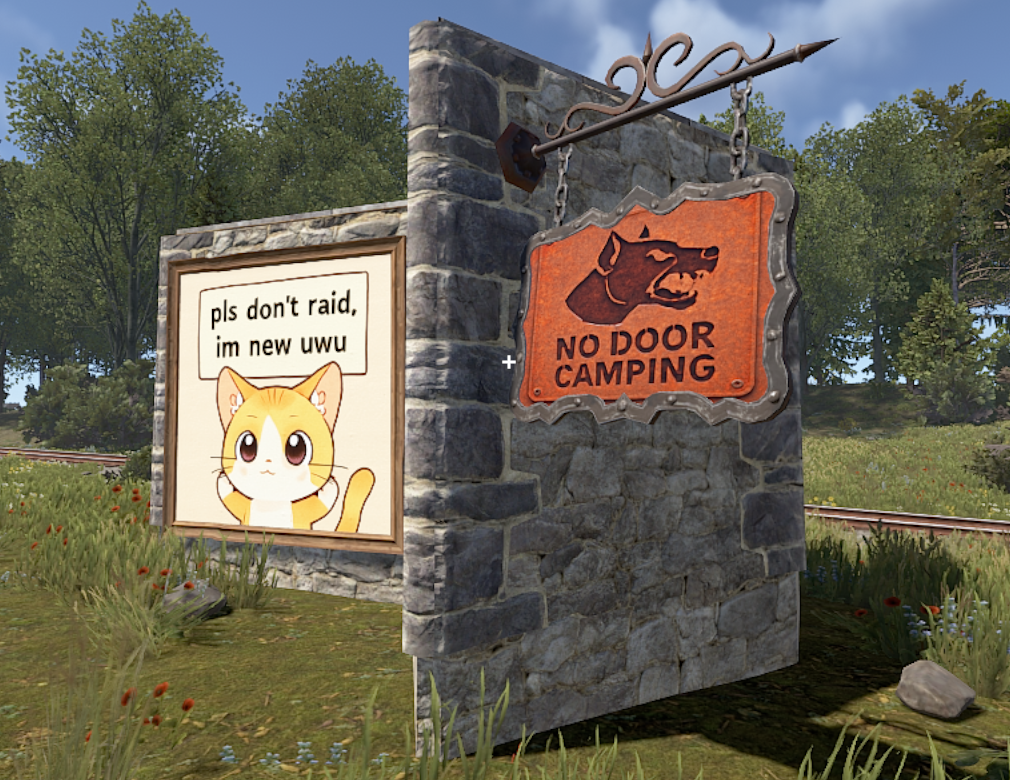
Rust Diffusion brings the power of state-of-the-art AI image generation directly to your Rust server. Transform ordinary signs into masterpieces using Natural Language Prompts.
RustDiffusion - Rust Diffusion brings the power of state-of-the-art AI image generation directly to your Rust server.

RustDiffusion

v1.0.0 Oxide Rust

Rust Diffusion brings the power of state-of-the-art AI image generation directly to your Rust server. Transform ordinary signs into masterpieces using Natural Language Prompts.
Free Rust plugin

Download the plugin source directly, review the configuration example, then install it in your Oxide/uMod plugins folder.

Free Download
121 views
28 downloads

Features

  • Multi-Provider Support: Connect to OpenAI (DALL-E 2/3), Stable Diffusion (A1111/Forge), or Google Cloud (Imagen)
  • Perfect Scaling: Automatically resizes and optimizes images for every sign type in Rust
  • Smart Processing: Handles aspect ratios and orientations (including hanging signs) perfectly
  • Moderation: Built-in blocked words filter and daily request limits
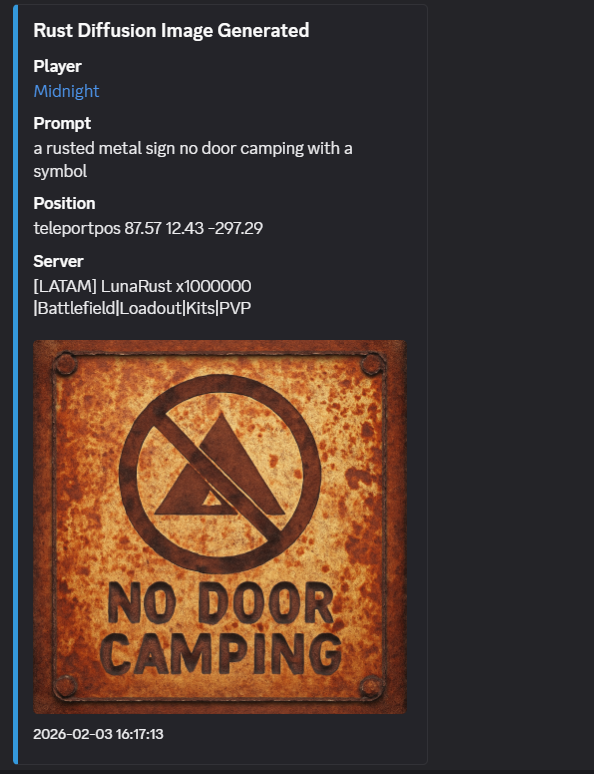
  • Discord Logging: Full integration with Discord Webhooks, including direct image uploads
  • Asynchronous: Non-blocking image generation ensures server performance stays smooth

Installation

Setup Instructions

  1. OpenAI: Get your API key from platform.openai.com. Set provider to OpenAI.
  2. Stable Diffusion: Ensure your WebUI is running with the --api flag. Set provider to StableDiffusion and your API Base URL to http://YOUR_IP:7860.
  3. Google Imagen: Set up a Google Cloud Project with Vertex AI enabled and provide the appropriate API Key.

Configuration

Configuration file will be generated at oxide/config/RustDiffusion.json

Default Configuration

{
  "API Provider (Google, StableDiffusion, OpenAI)": "OpenAI",
  "API Key (Google/OpenAI)": "YOUR_API_KEY_HERE",
  "API Base URL": "https://api.openai.com/v1/images/generations",
  "Model ID": "gpt-image-1-mini",
  "Command Cooldown (seconds)": 600.0,
  "Daily Request Limit": 10,
  "Admins Unlimited": true,
  "Max Interaction Distance": 3.0,
  "Blocked Words": [
    "nsfw",
    "nude",
    "porn"
  ],
  "Debug Mode": false,
  "Discord Webhook URL": ""
}

Configuration Details

  • API Provider: Select which service to use for generation.
  • Model ID:
    • For OpenAI: Use gpt-image-1-mini, dall-e-3 or dall-e-2.
    • For Stable Diffusion: The name of your local checkpoint or model.
  • Admins Unlimited: If set to true, server admins bypass all limits automatically.
  • Discord Webhook: Enter a URL to receive logs of all generated images, including player info, the prompt used, and a preview of the image.

Commands

Command Description Permission
/draw Generates an image on the sign you are looking at. rustdiffusion.use
/listmodels Lists available AI models (Provider dependent). Admin

Permissions

Permission Description
rustdiffusion.use Required to use the /draw command.
rustdiffusion.noblock VIP/Admin bypass. Bypasses command cooldowns, daily request limits, and allows editing signs even if not owned/authorized.

Plugin Information

Version 1.0.0
Platform Oxide
Game Rust
License Free